

Fast entry flow
Entry is designed for multiple blood markers with a straightforward flow, so records can be saved quickly with fewer taps. Before saving, values can be reviewed calmly to avoid mistakes.
Best for quick logging during a busy day.
iOS App
Log multiple blood markers in a few clear steps and keep your history easy to review. Vivera is designed for calm daily use without unnecessary complexity.
Local-first storage, clear entry flow, and a readable history. Built without ads and without tracking by default.
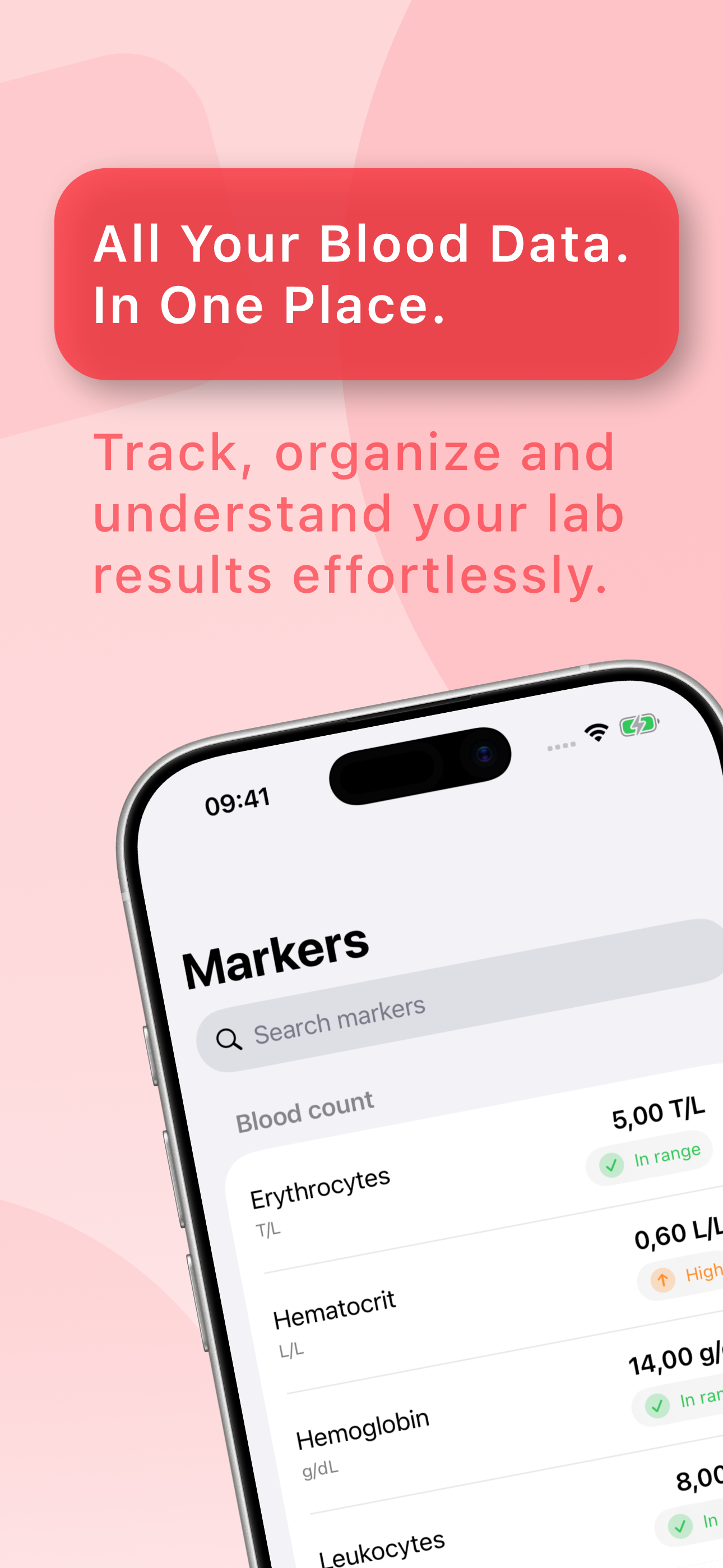
Vivera supports 51 blood markers across 9 categories. Each feature is intentionally focused on fast entry, readable history, and practical long-term use.
Entry is designed for multiple blood markers with a straightforward flow, so records can be saved quickly with fewer taps. Before saving, values can be reviewed calmly to avoid mistakes.
Best for quick logging during a busy day.
All records stay visible in a clear list view. Entries can be corrected or removed when needed, which keeps your history consistent over time. This helps maintain reliable personal documentation.
Best for people who review entries regularly.
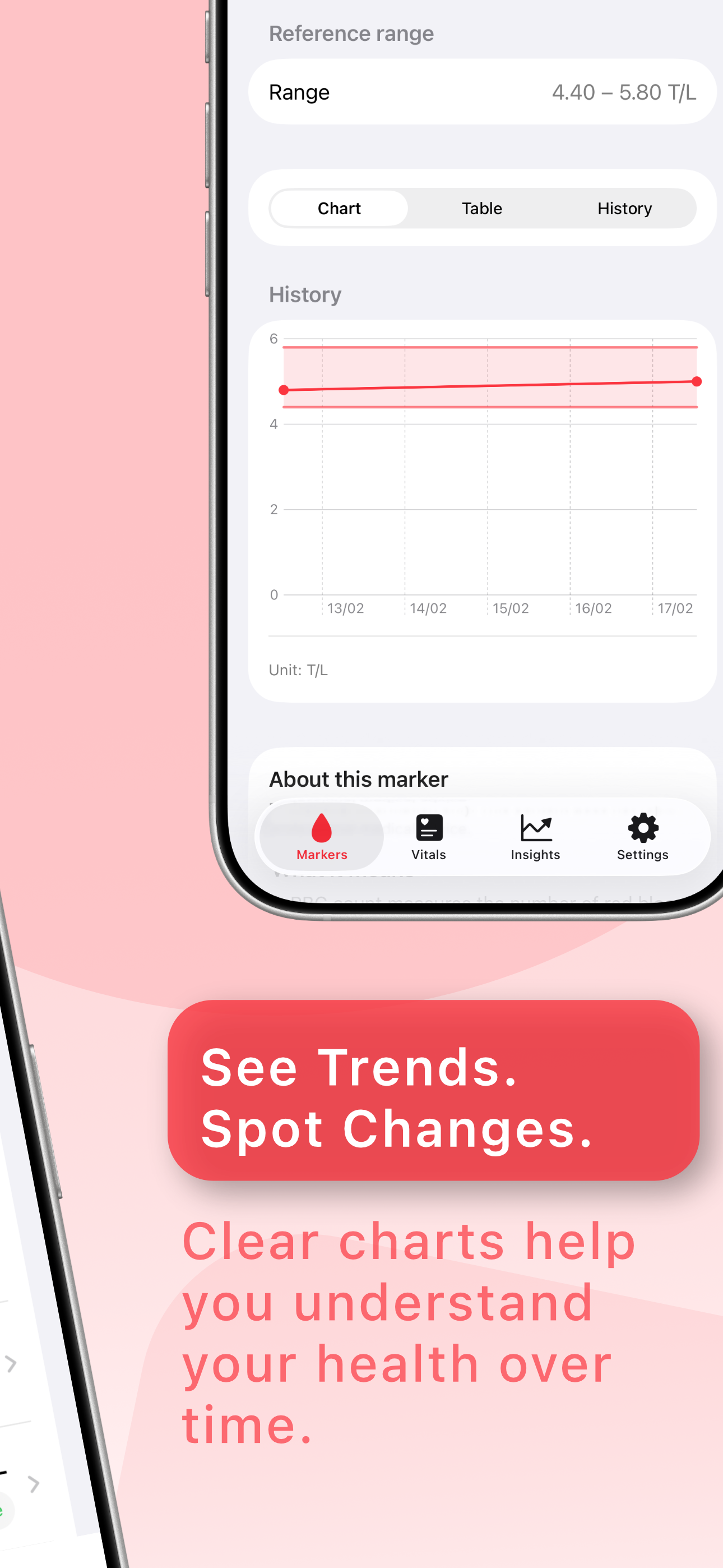
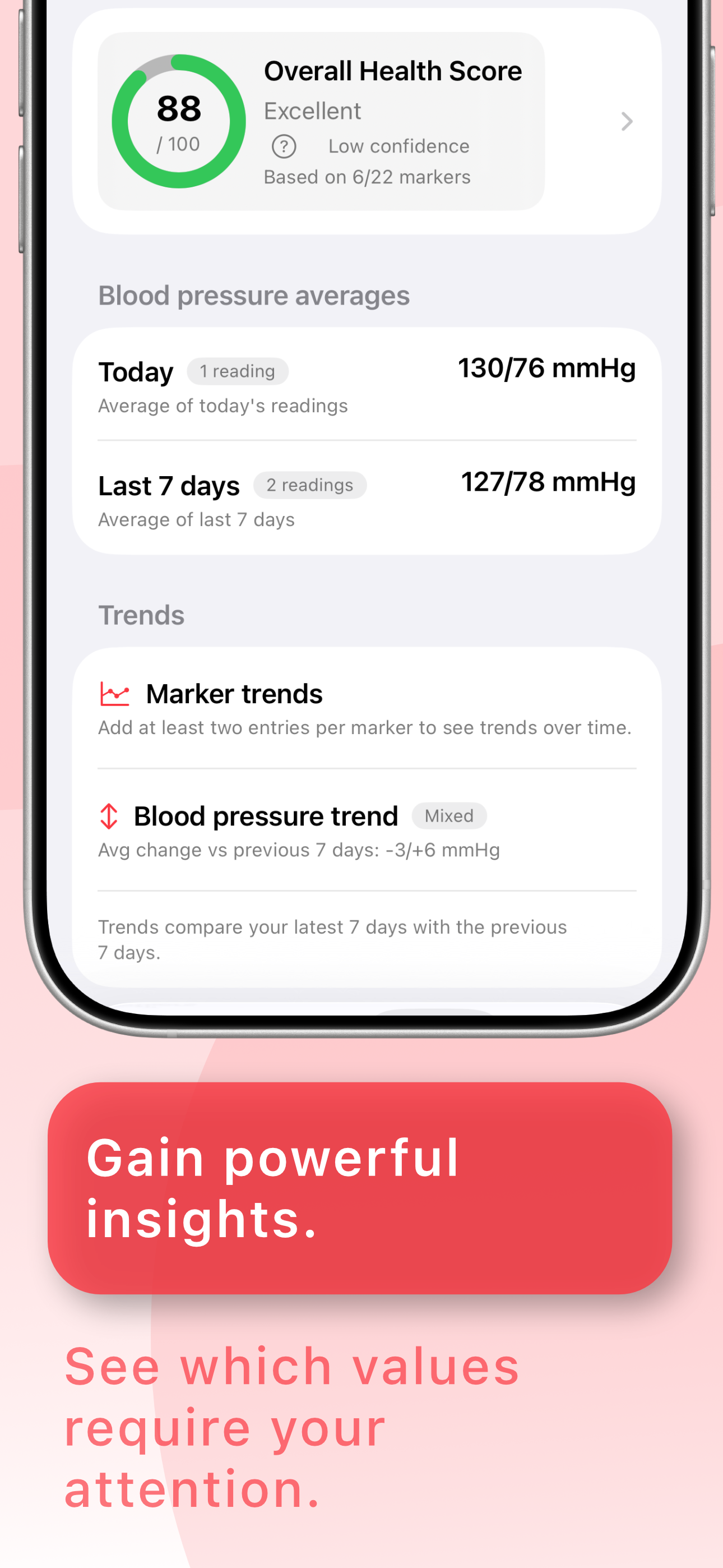
Vivera presents trends and averages across multiple blood markers in a reduced, readable format. The goal is to support quick interpretation, not visual noise. This keeps weekly and monthly review sessions practical.
Best for getting a calm overview without complex charts.
A daily reminder can be enabled when routine support is helpful. It remains optional and can be turned off at any time. This keeps the app flexible for different habits.
Best for users with a fixed daily logging routine.
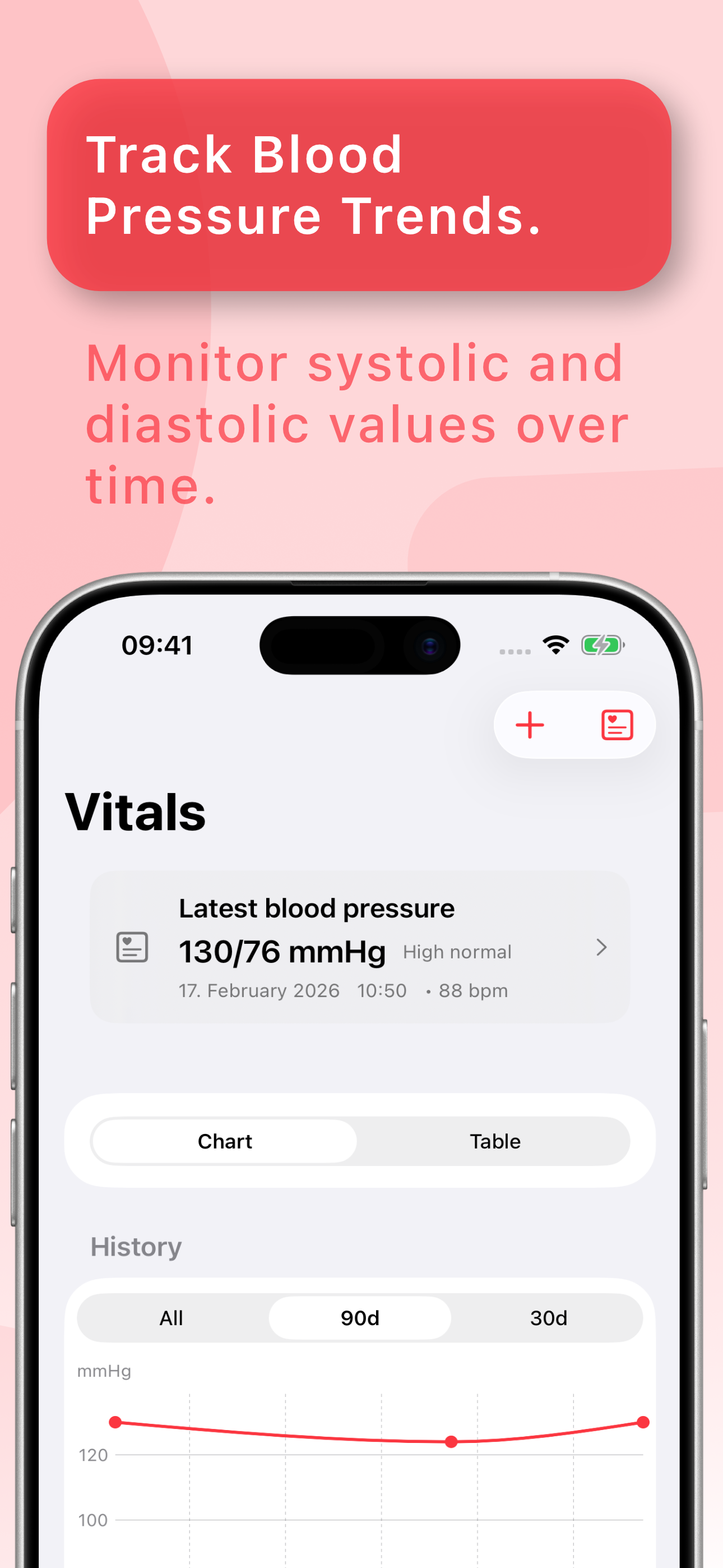
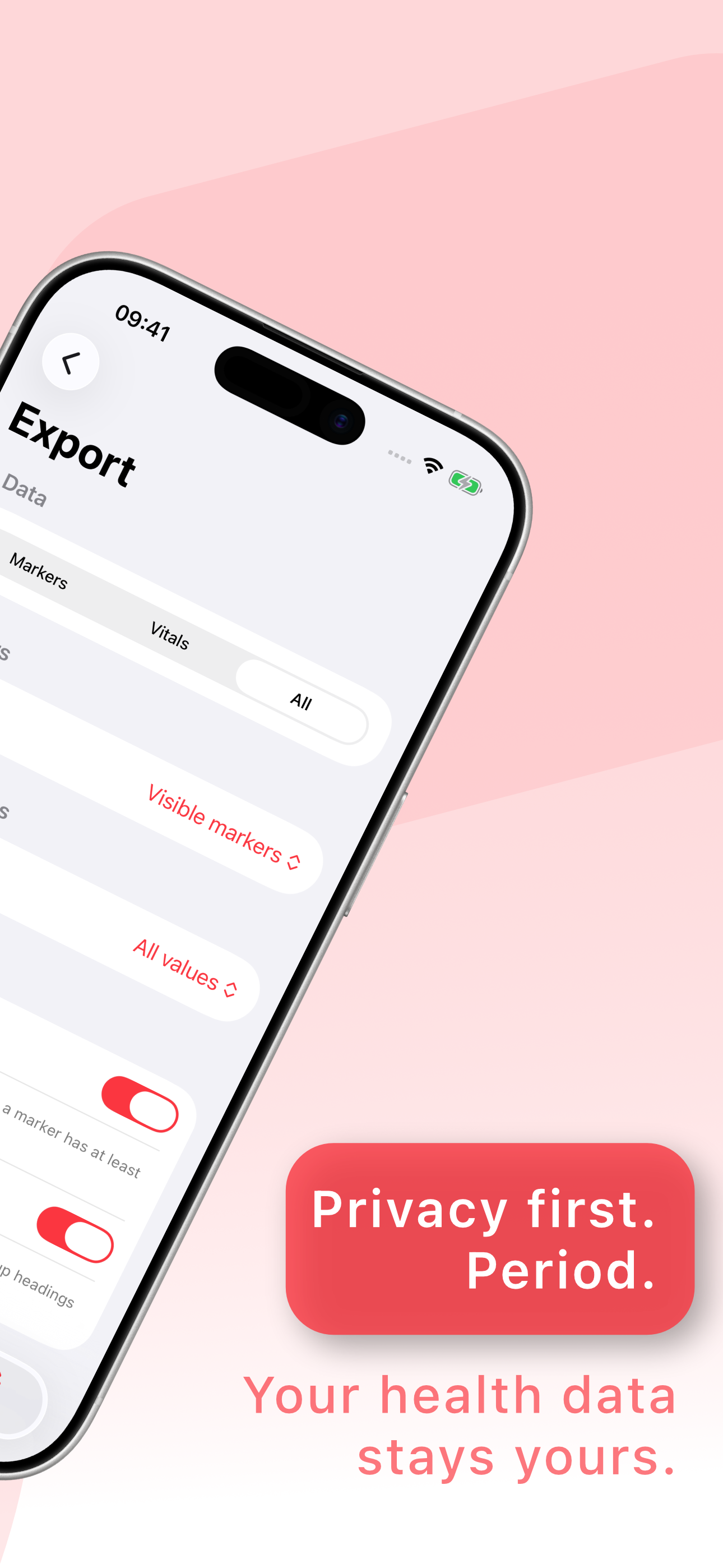
Data are stored locally on your device by default. Optional iCloud sync can be enabled for blood pressure and marker data, while the app remains free of ad networks and tracking by default.
Best for privacy-conscious users.
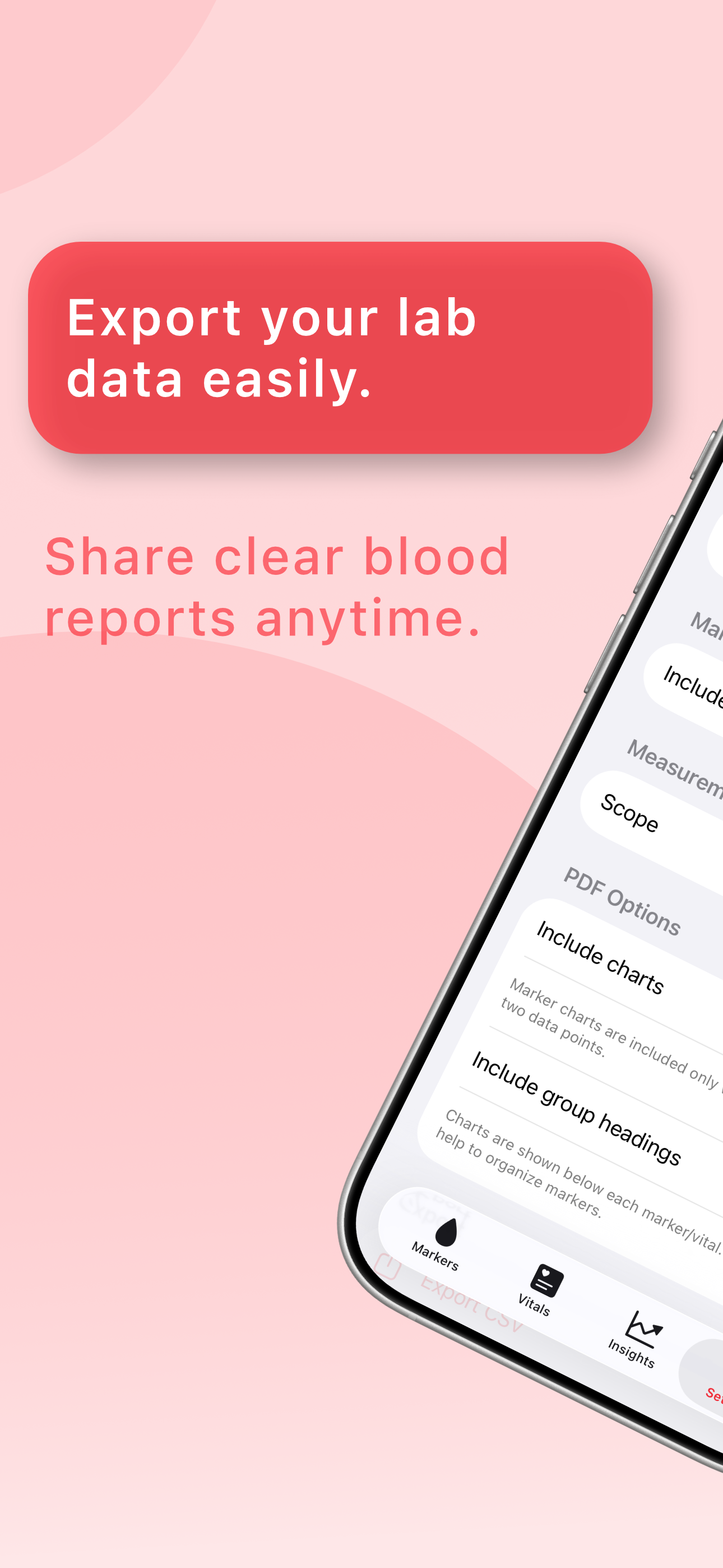
Vivera Blood Pro adds deeper history access, extra context options, and extended tools for users who want more detailed long-term tracking.
Pro is a good fit if you log consistently, compare longer periods, or want more context and export options in your daily workflow.
Note: Prices may vary by region. Final pricing is shown in the App Store.
Subscriptions can be managed at any time in your App Store account settings.
Vivera follows a local-first model: your data stay on your device by default, with optional iCloud sync if you choose to enable it. No ads and no tracking by default.
A quick look at the most important parts of Vivera Blood.

No. Vivera is not a medical device and does not provide medical advice or diagnosis.
No account is required to use the app.
No. Tracking scripts are not enabled by default and no advertising networks are integrated.
Yes. The flow includes a clear review step before a record is saved.
Pro is offered as an App Store subscription. Pricing can vary by region, and subscription management is handled through the App Store.
Yes. Vivera is still local-first by default, and optional iCloud sync is available for blood pressure and marker data when enabled by the user.